MagicPen

AI guided by your hand

Magic Pen is an AI drawing assistant that transforms rough sketches into clean, on-model line-art. The artist defines the pose, composition, expression, and motion. Magic Pen helps carry that intent forward into production-ready clean drawings.

Unlike tools that generate an image from just a prompt, Magic Pen begins with the artist’s hand. Every result is grounded in what you draw and guided by your own character models, giving artists greater speed without sacrificing creative control.

USED BY TOP STUDIOSCREATED BY ARTIST
Magic Pen · rough → refined line art
  1. Draw

    Start with your hand-drawn idea.

  2. AI interprets

    Magic Pen understands your intent.

  3. Enhances

    Refines it with precision and consistency.

  4. Delivers

    Production-ready clean line art.

Handcrafted meets AI

You draw. Magic Pen refines.

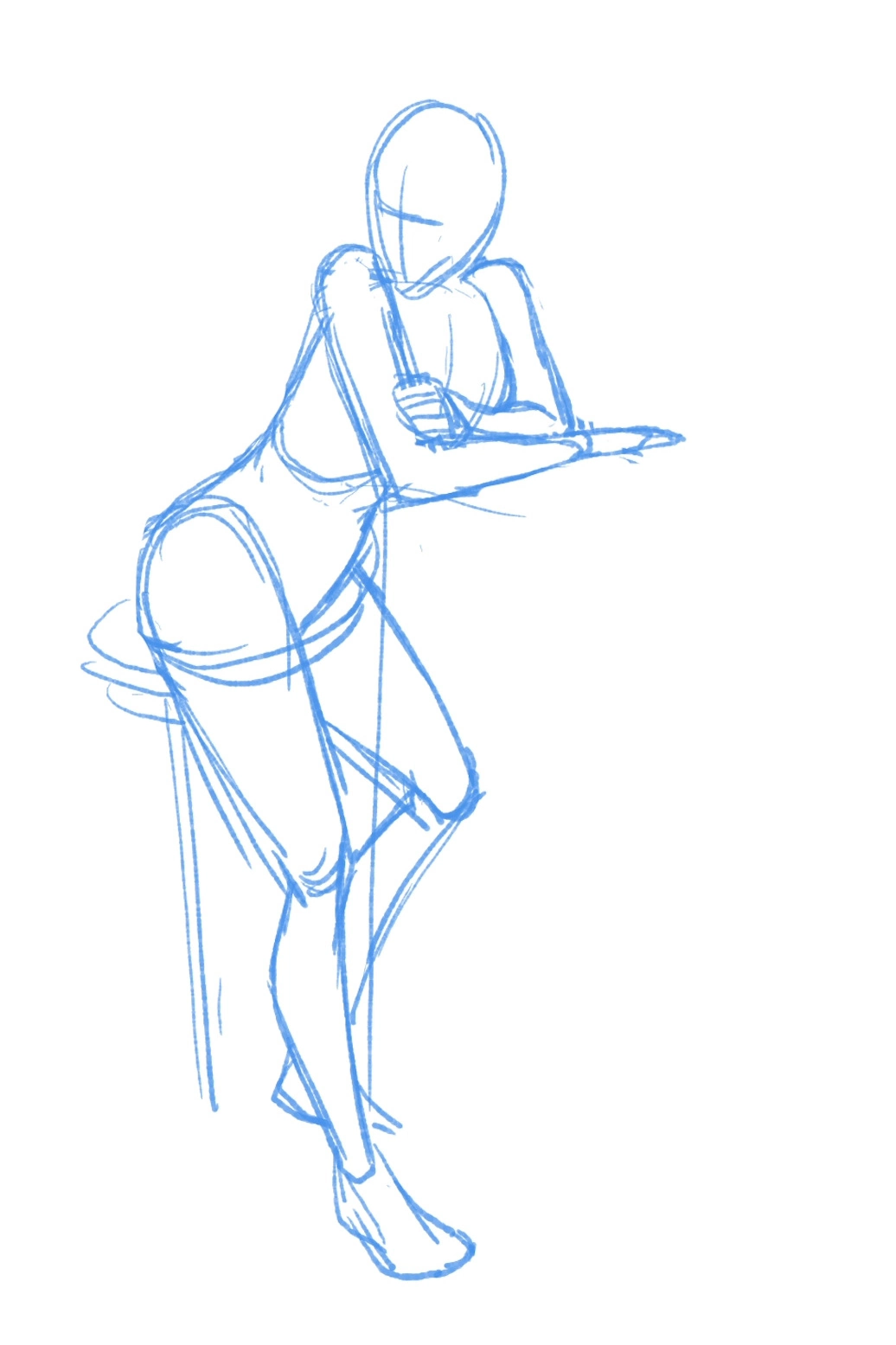
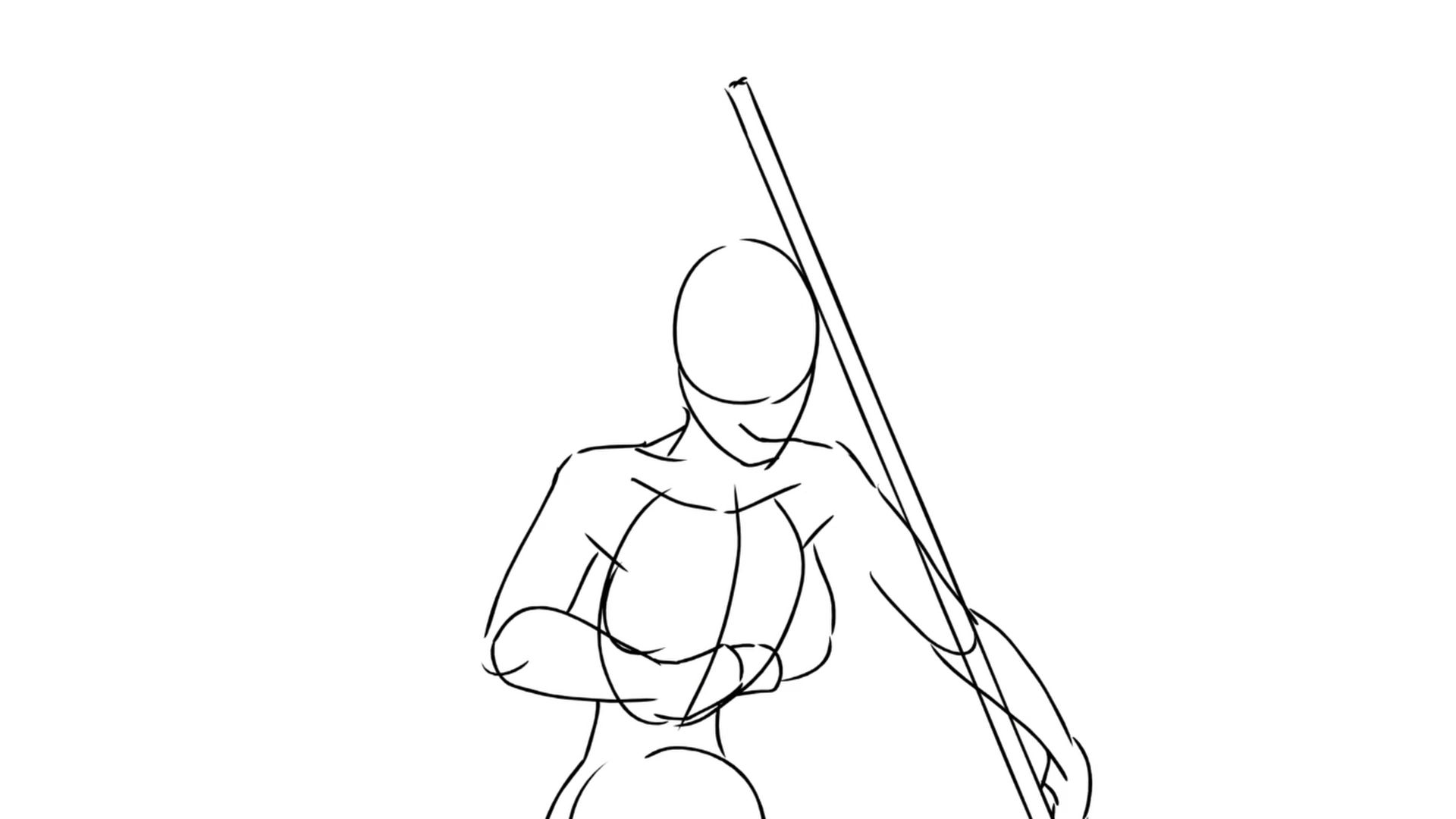
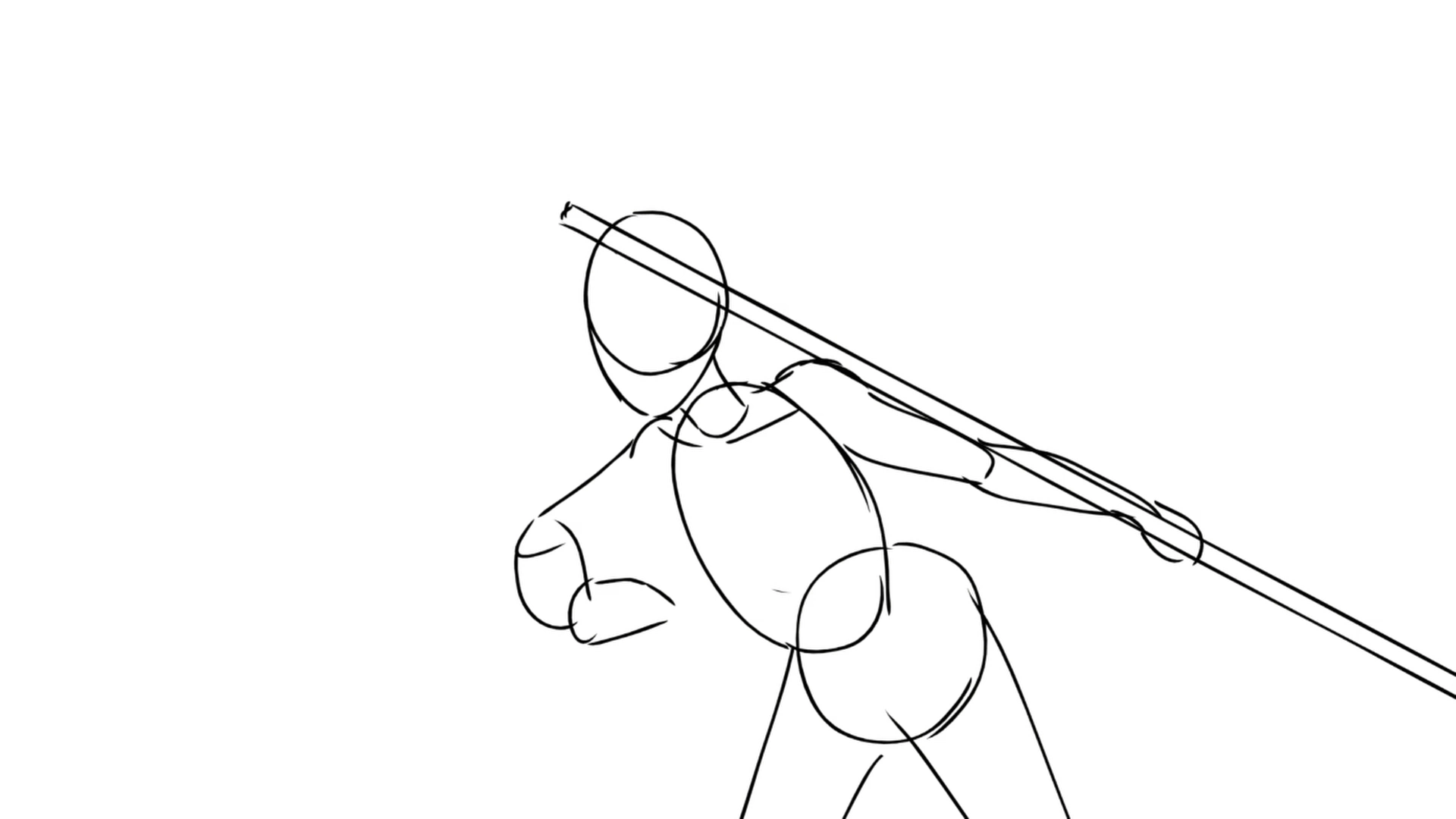
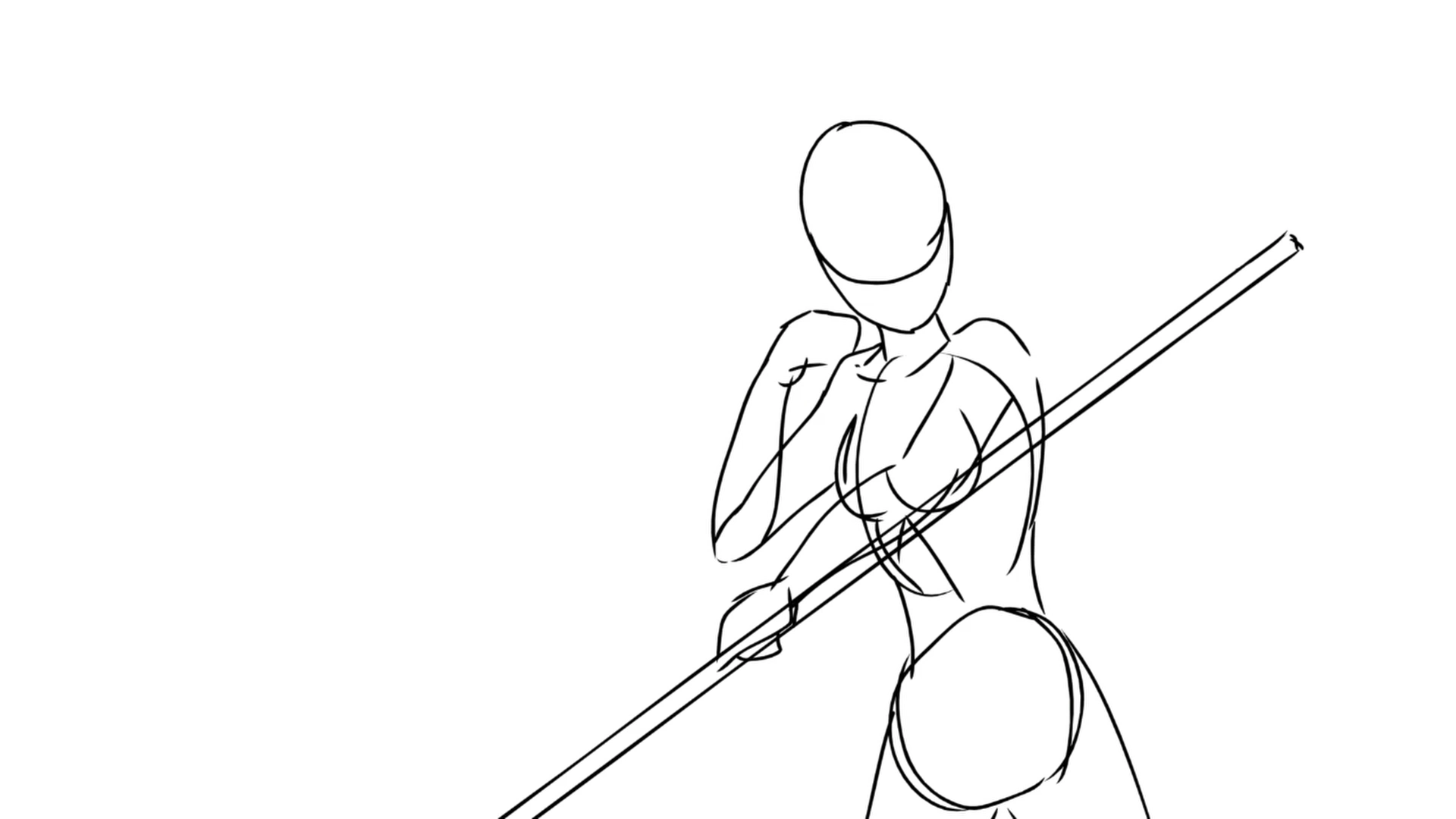
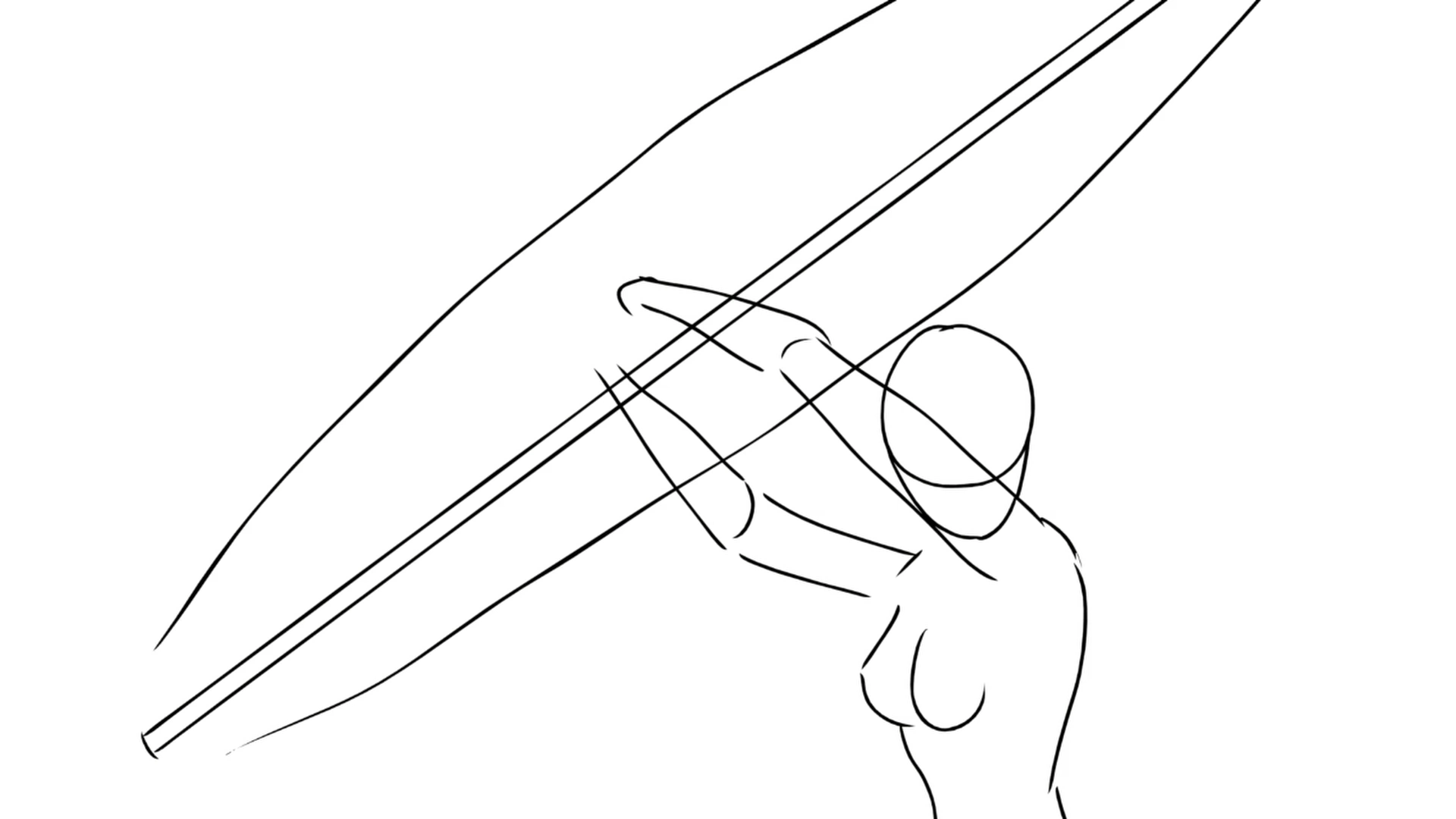
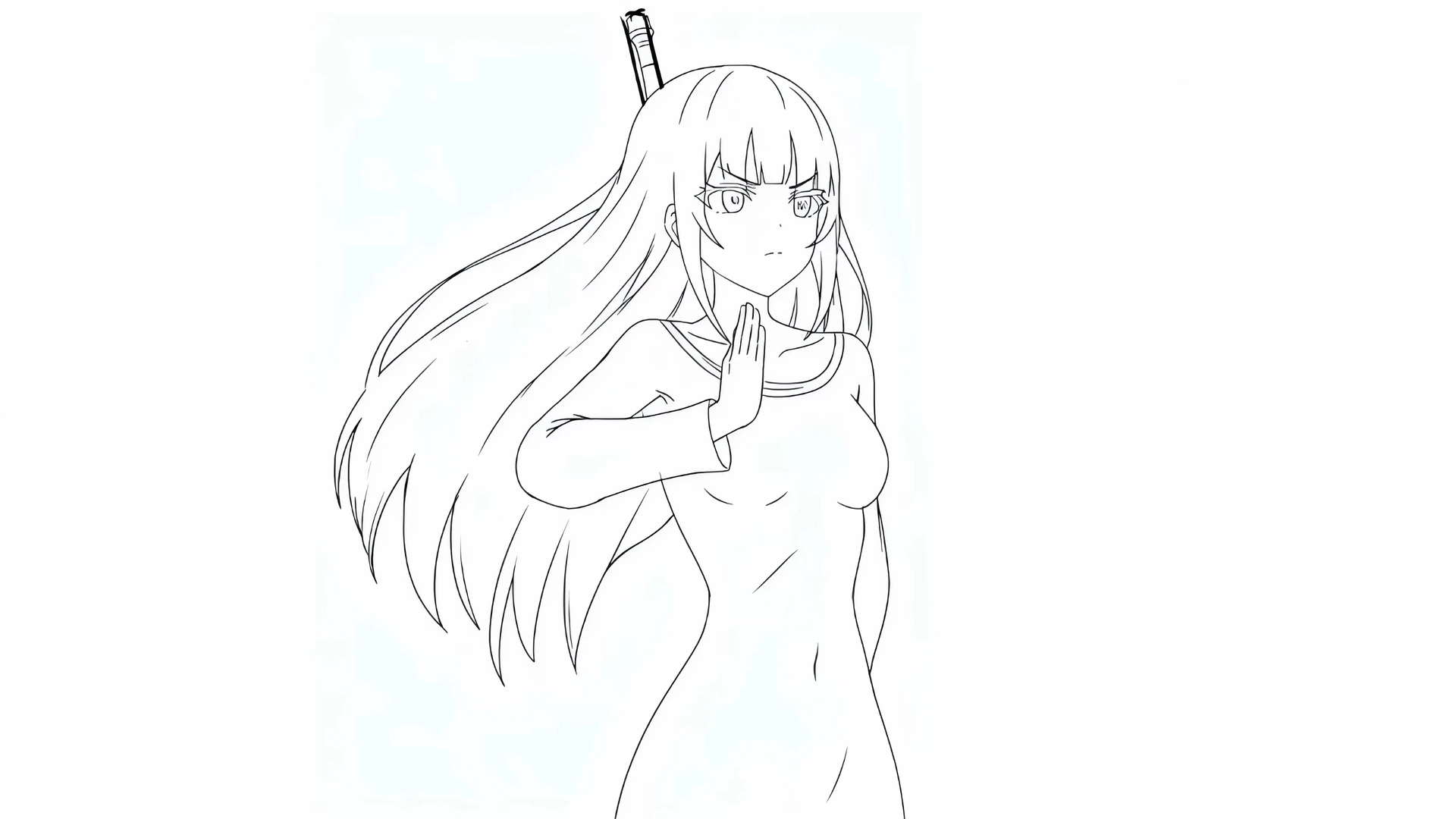
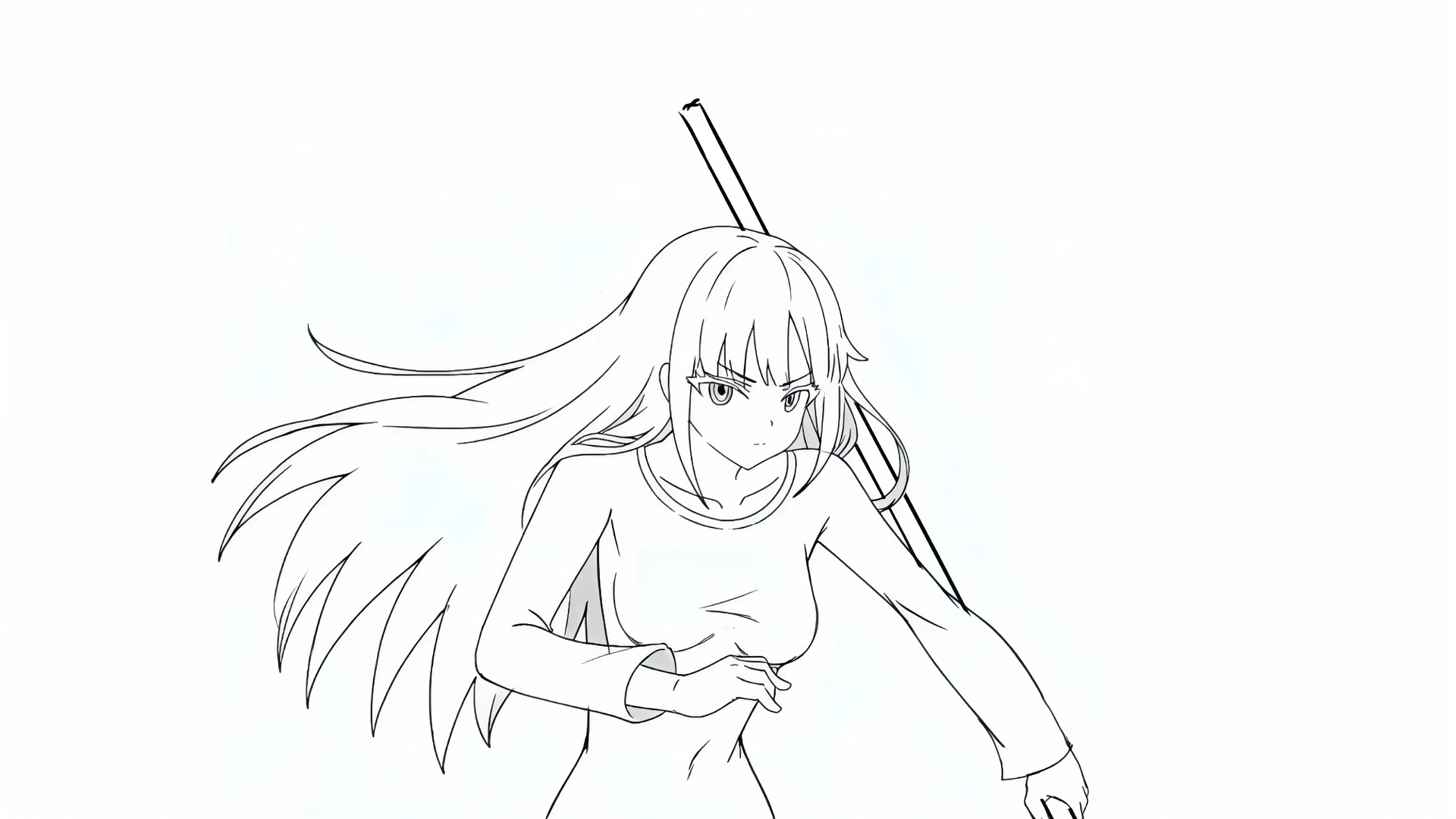
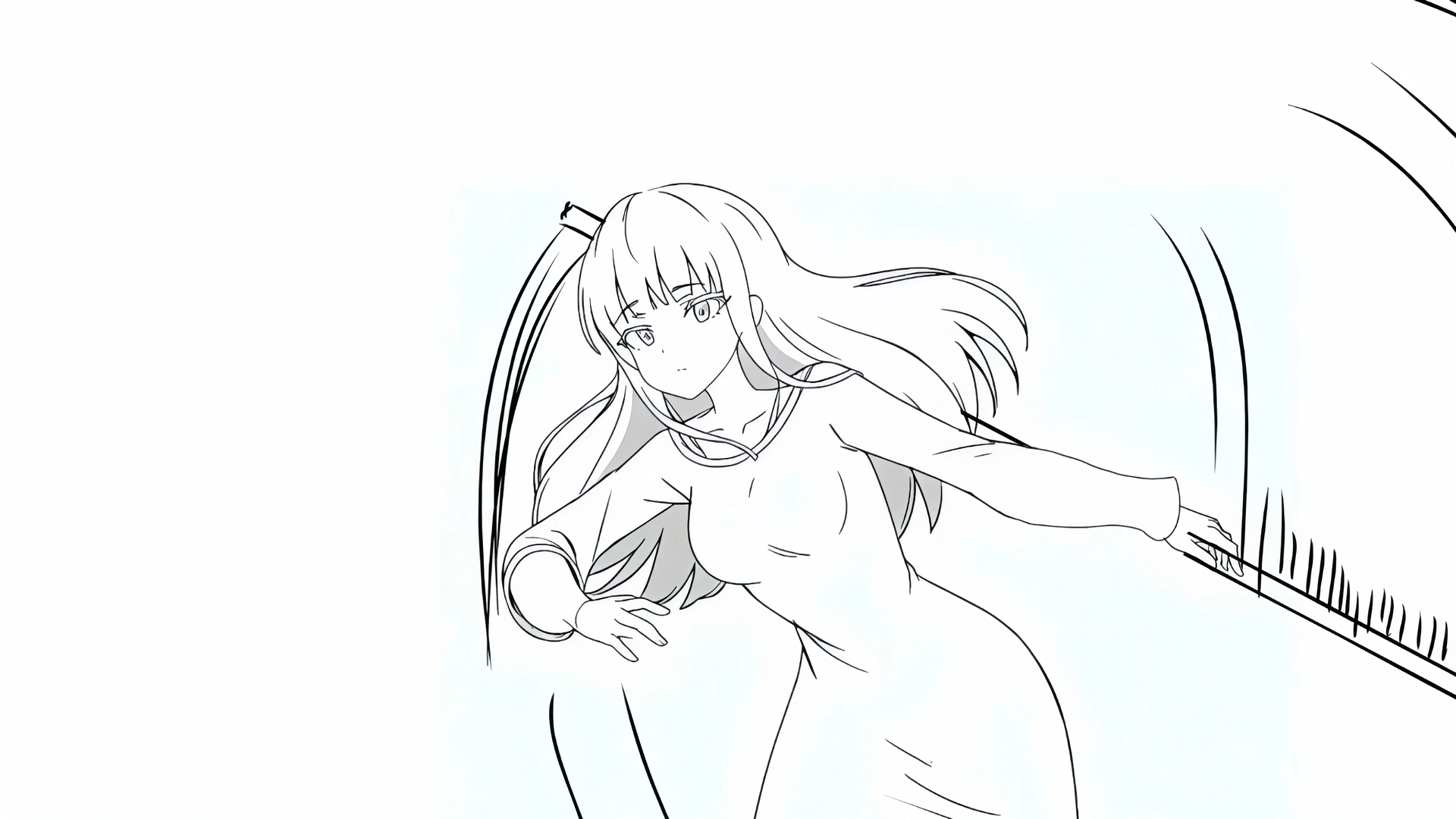
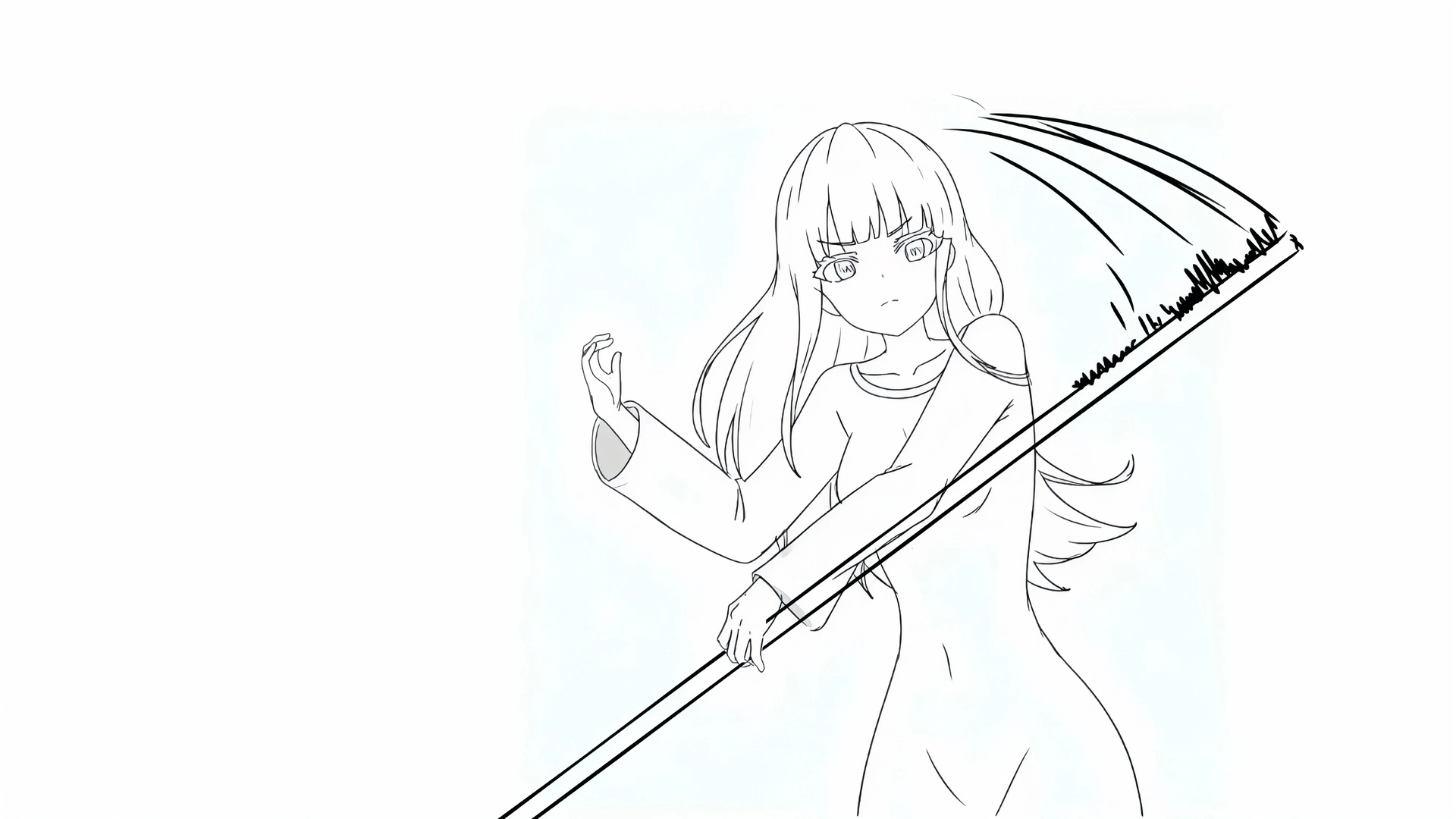
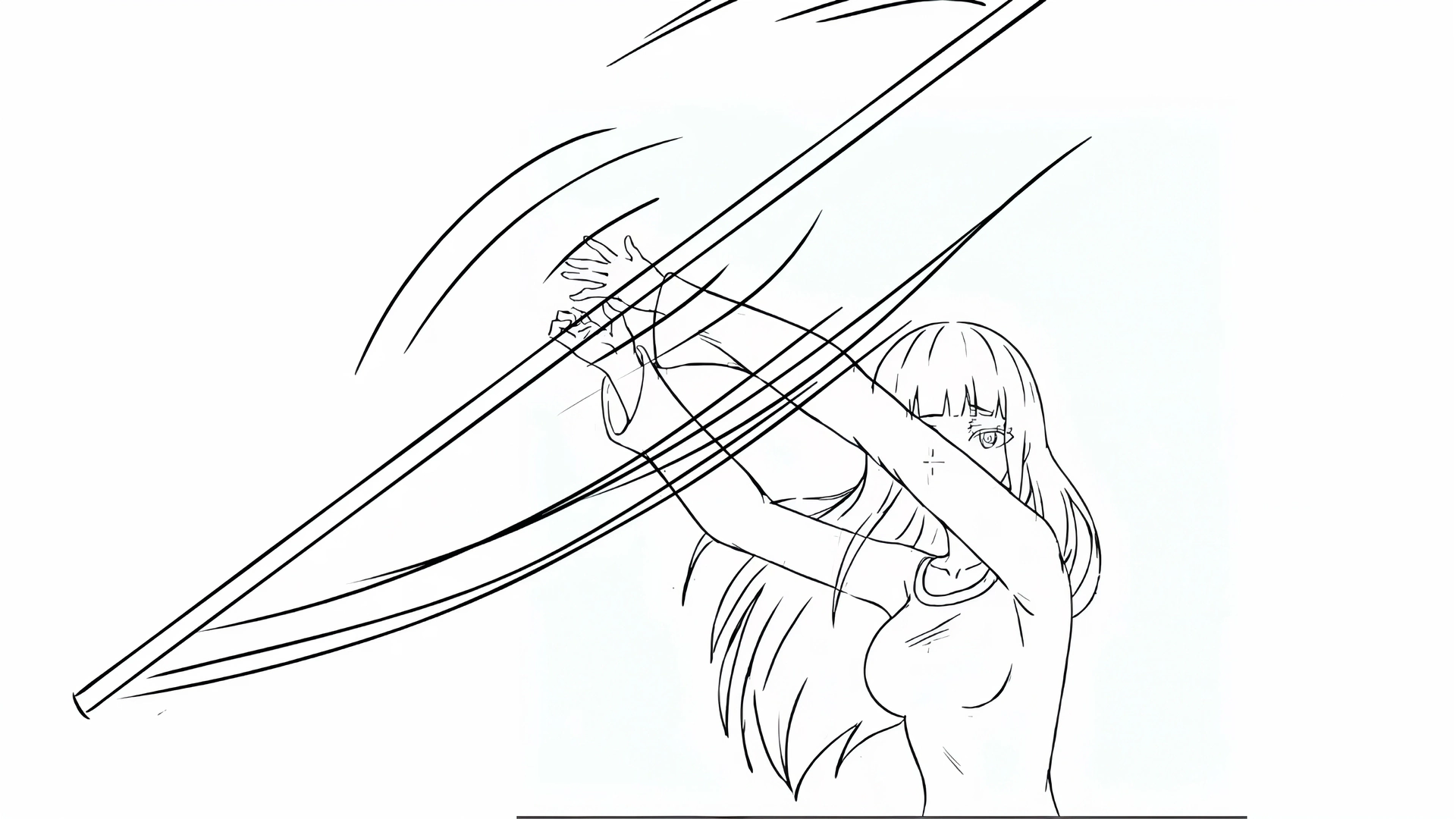
Begin with the same rough lines and construction drawings you already use. As you work, Magic Pen interprets and refines your sketch into clean line art while preserving the choices that make the drawing yours.

Rough sketch → Magic Pen keyframe
Real-time demo
Rough sketch → Magic Pen keyframe

Keyframe up to 10× faster

Magic Pen accelerates the path from rough sketch to finished keyframe, allowing artists to explore more ideas, iterate more quickly, and spend more time focused on acting, movement, and storytelling.

  • Real-time Clean-up

    Automates the repetitive, time-consuming clean-up work

  • Draw Naturally, Stay in Control

    Looks at your rough sketch as you draw — cleans up your rough lines in real-time

  • Production Ready

    Like auto-complete for drawing — you stay in control of the line.

Rough sketch resolving into clean, coloured line work

Rough sketch resolving into clean, coloured line work

Now taught at animation schools to third year students

It still requires that you understand and master the fundamental principles of drawing. Magic Pen analyzes and interprets the key artistic signals in your sketch, including:

Pose & Gesture
Captures body posture, action, and character attitude.
Camera Framing & Perspective
Preserves the intended composition, angle, and scene perspective.
Body Proportions
Carries the proportions from the rough sketch into the refined output.
Fine Details
Reconstructs hands, clothing, accessories, expressions, and hairstyles with cleaner, on-model line work.
Reference Pen output · before / after
Input sketch → Magic Pen · before / after

Keep every character on-model

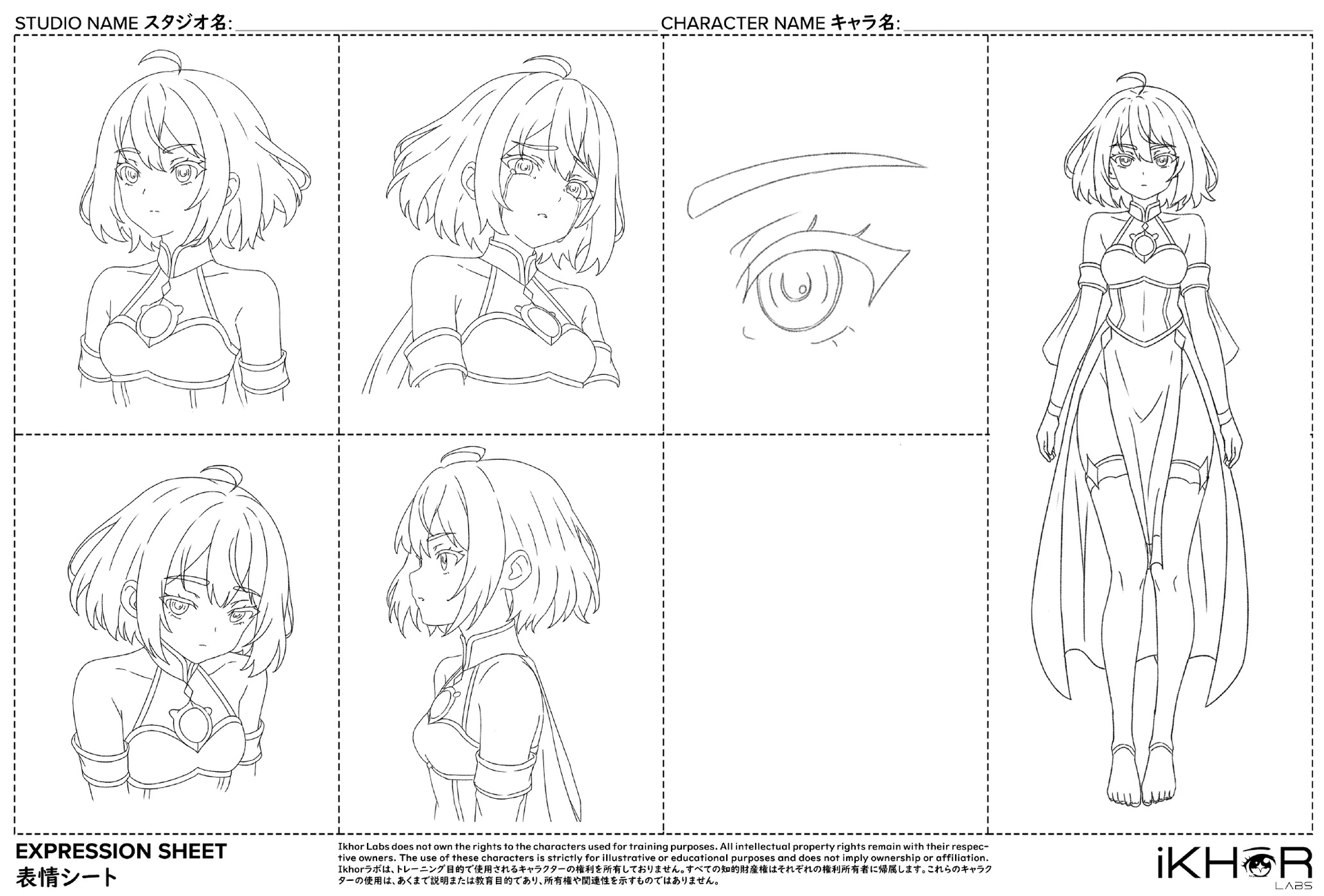
キャラモデルのトレーニング

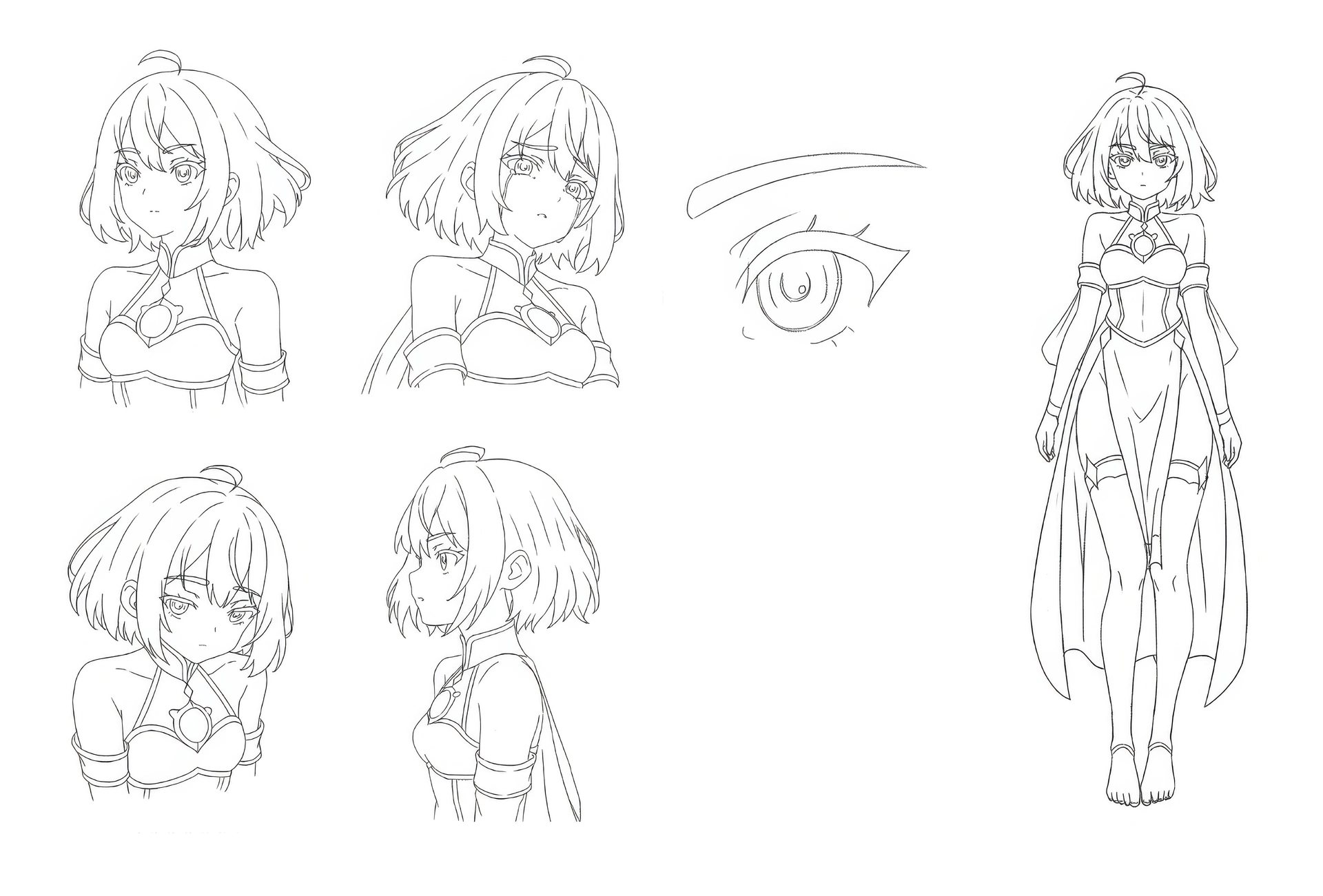
Guide Magic Pen with your own character models to produce more consistent, on-model results across poses, expressions, and shots. Artists remain in control of the performance while Magic Pen helps manage the repetitive work of refinement.

  • Trained on just 12–16 of your own character sheets to learn a character’s design language.
  • Your copyright & IP stay yours — every model is private to your production.
  • Select the character you’re drawing directly in-app, and Magic Pen stays on-model.
Expression sheet · 表情シート

Magic Pen 3.0

Coming soon

Two new modalities on the way: a Reference Pen that reads a character straight off its model sheet, and a Batch Magic Pen that cleans up a whole sequence in one pass.

Reference Pen mode

リファレンスペン・モード

In Magic Pen 3.0, a new Reference Mode removes the need to train specific character models in Advanced. Just input a character model sheet as a reference and Magic Pen instantly understands the character design — precisely.

Input character model sheet
Input rough sketch
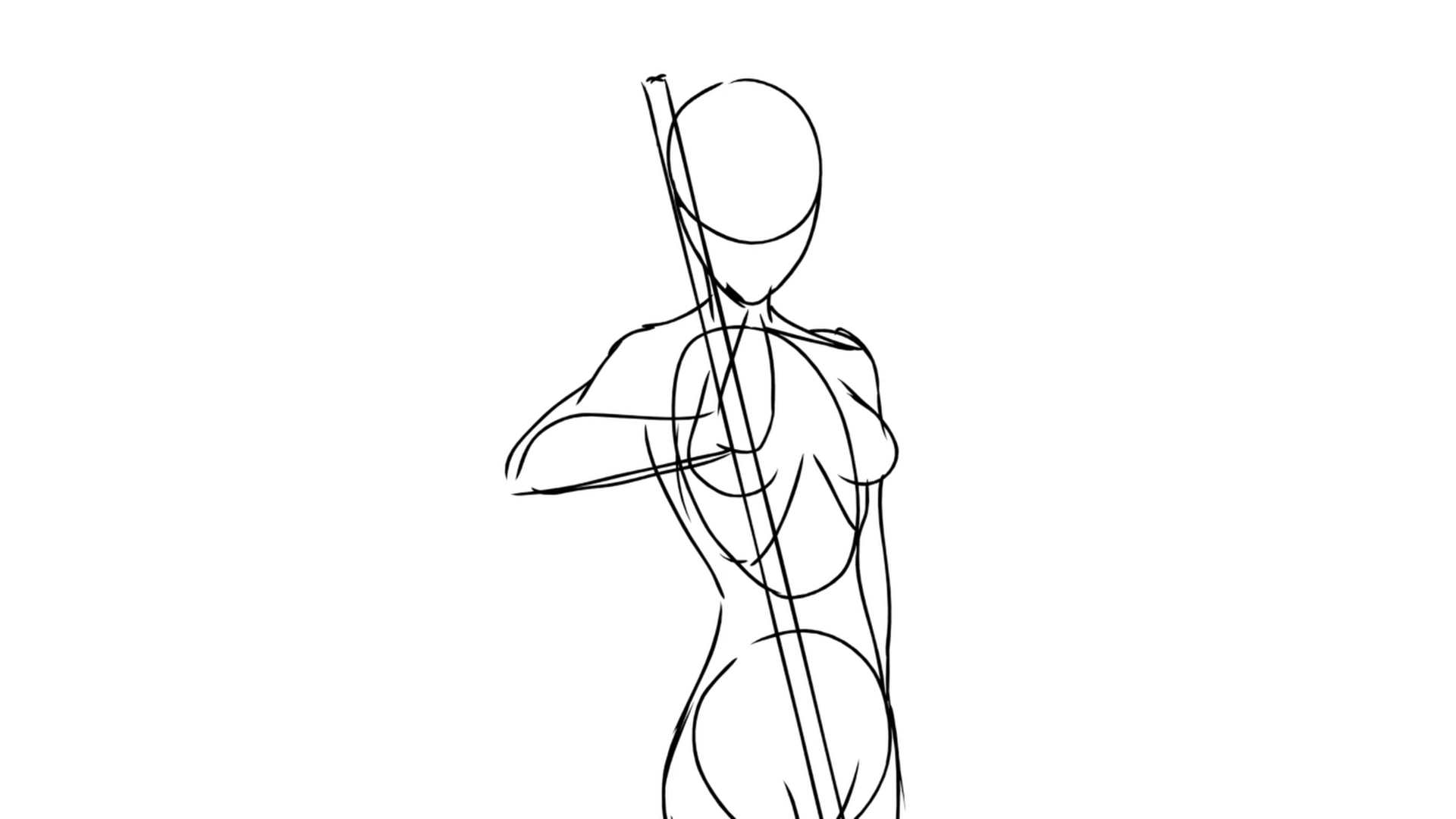
Input rough sketch
Reference Pen
Reference Pen output · before / after

Batch Magic Pen

バッチ・マジックペン

Batch Magic Pen runs the clean-up you would do one frame at a time across an entire sequence in a single pass. Send it a batch of rough keyframes and every frame comes back cleaned, in one consistent style, from one job — a whole cut returned as a finished set rather than as thirty separate corrections.

  • Send a full sequence of rough keyframes, not one frame at a time.
  • Every frame is cleaned in the same pass, so the look holds end to end.
  • One job in, one finished set out — clean-up at the pace of a real schedule.
Rough Input Frames
  1. Rough Input Frames 1
  2. Rough Input Frames 2
  3. Rough Input Frames 3
  4. Rough Input Frames 4
  5. Rough Input Frames 5
Batch Output Clean Frames
  1. Batch Output Clean Frames 1
  2. Batch Output Clean Frames 2
  3. Batch Output Clean Frames 3
  4. Batch Output Clean Frames 4
  5. Batch Output Clean Frames 5

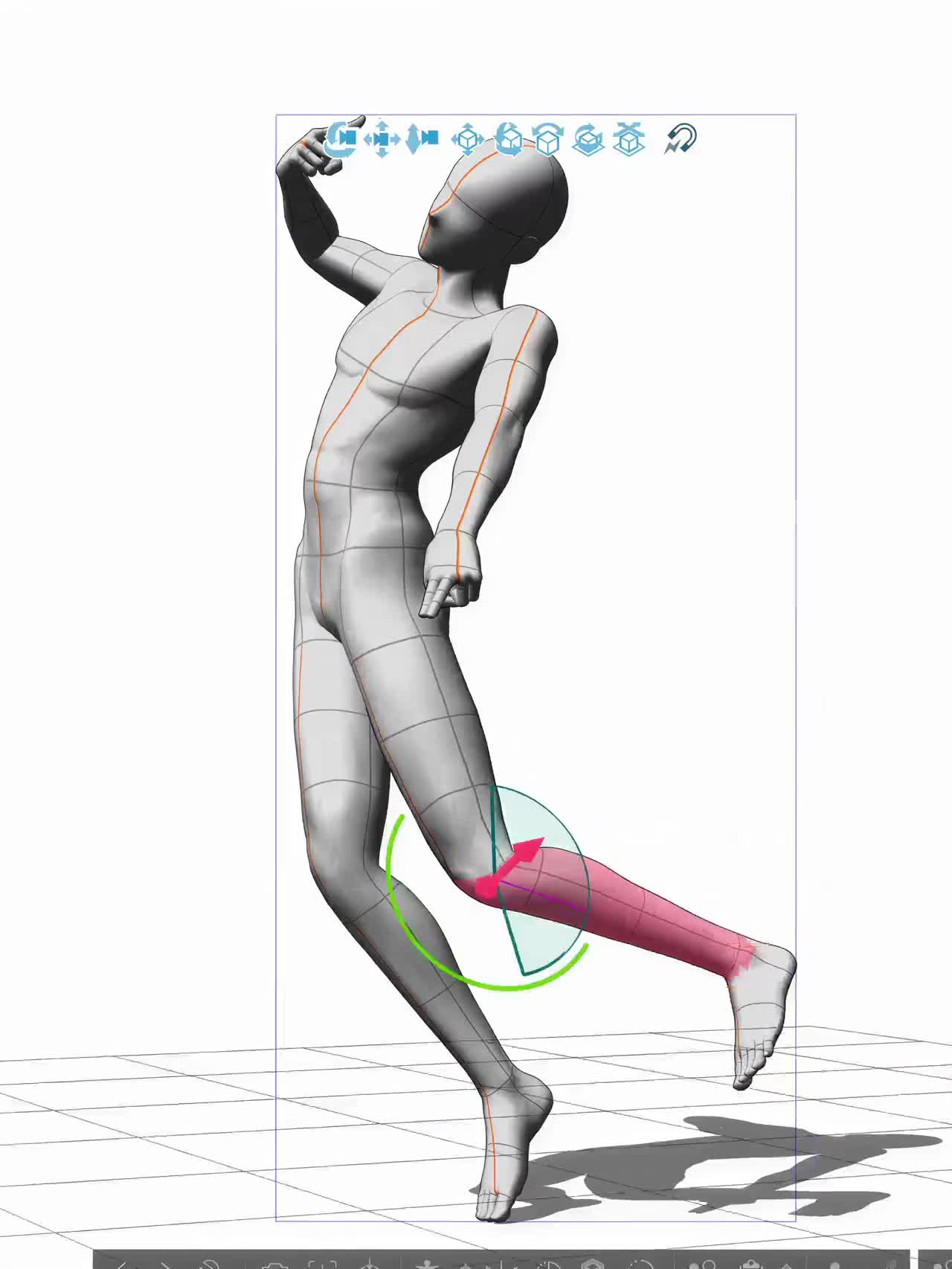
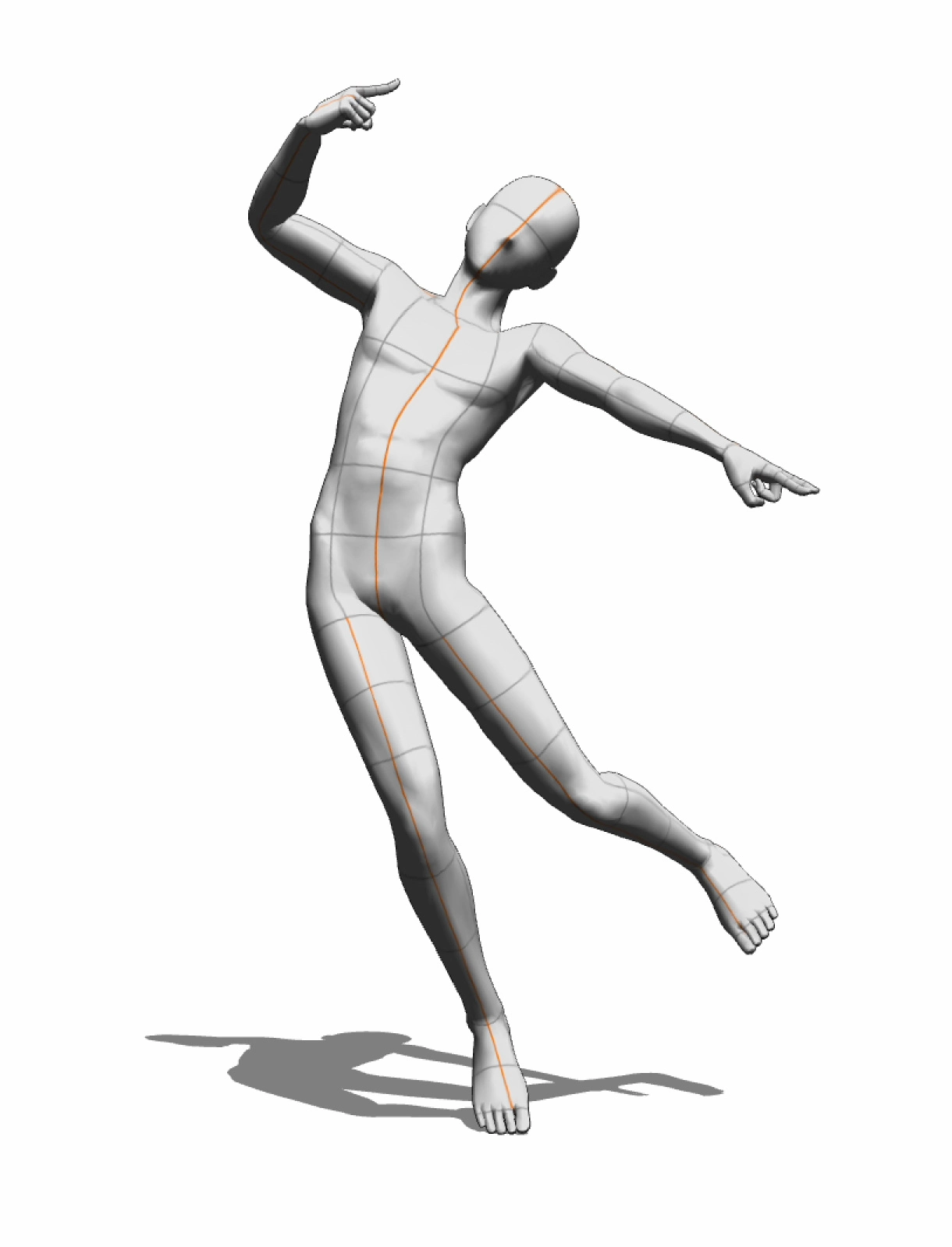
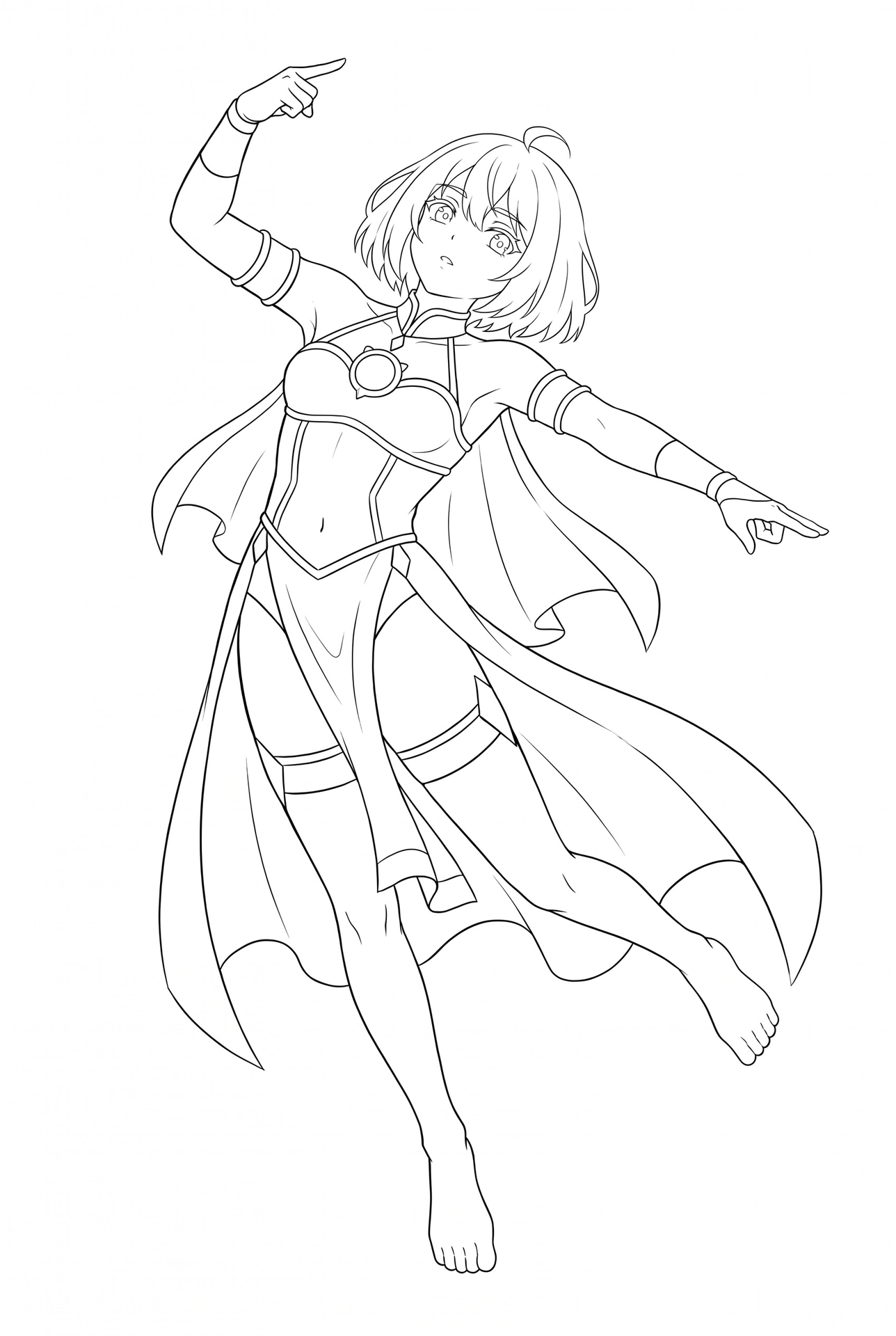
3D pose to 2D keyframes

Input 3D key poses directly into Magic Pen and it generates a 2D keyframe of your character — an alternative workflow for those who prefer not to start from rough hand-drawn layouts.

  1. Pose in 3D
    Pose in 3D
  2. 3D key pose
    3D key pose
  3. Output · 2D keyframe
    Output · 2D keyframe

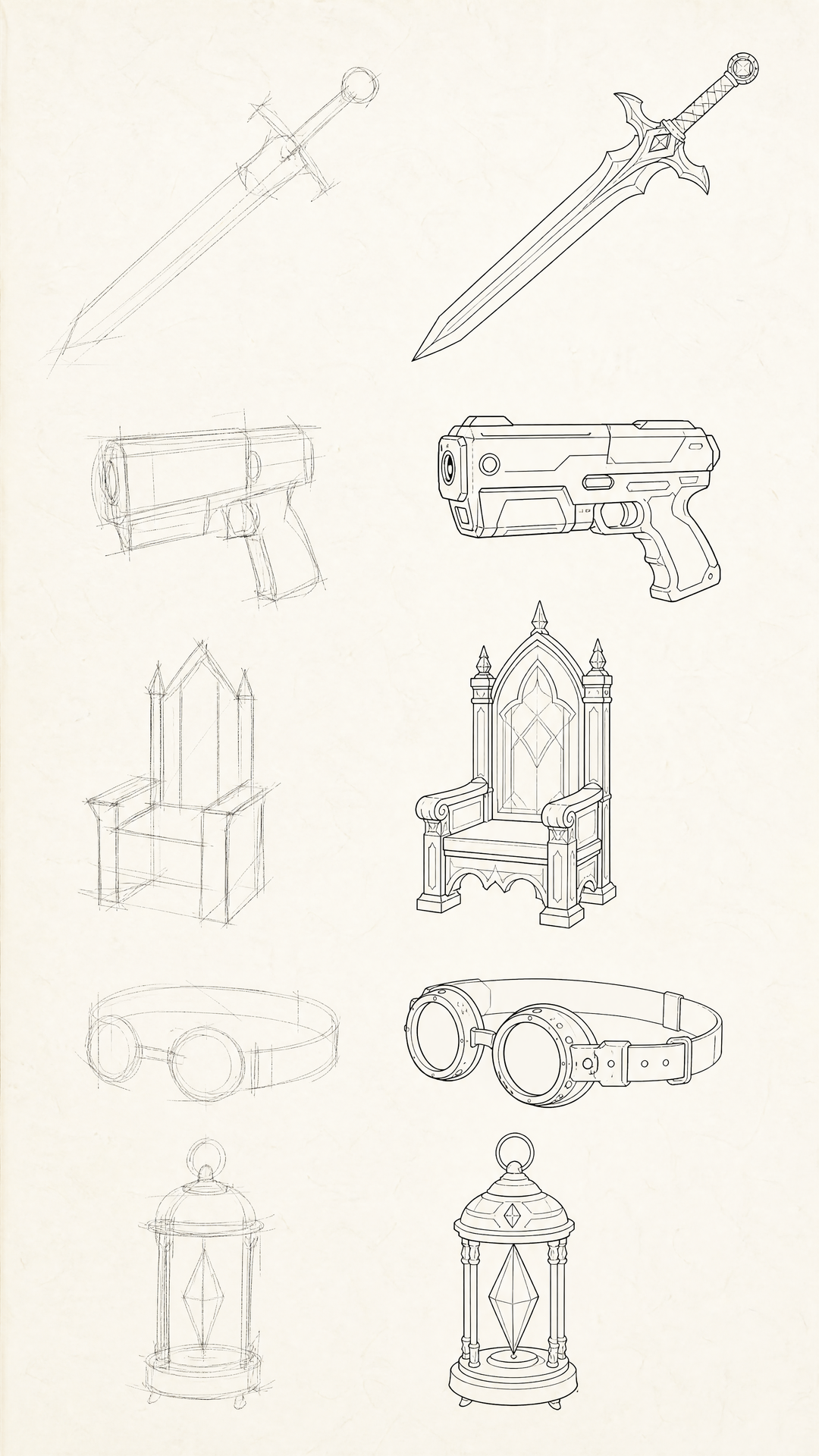
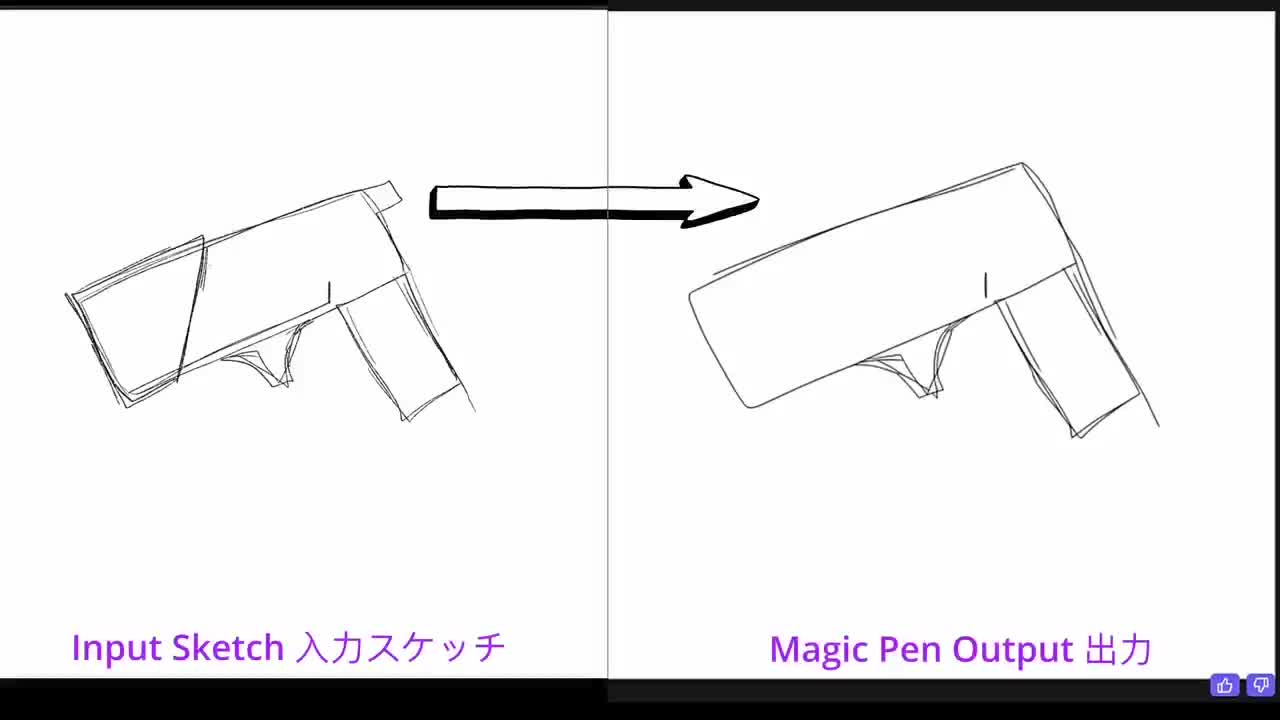
Quickly design props by sketching

Prop and weapon design sheet — rough sketches beside their Magic Pen line art
Input sketch · 入力スケッチ → Magic Pen output · 出力

Works with the tools you already use

Magic Pen works inside any drawing software, so artists can bring AI assistance into their existing process without changing the tools or workflows they rely on.

Draw freely. Refine instantly. Stay in control.